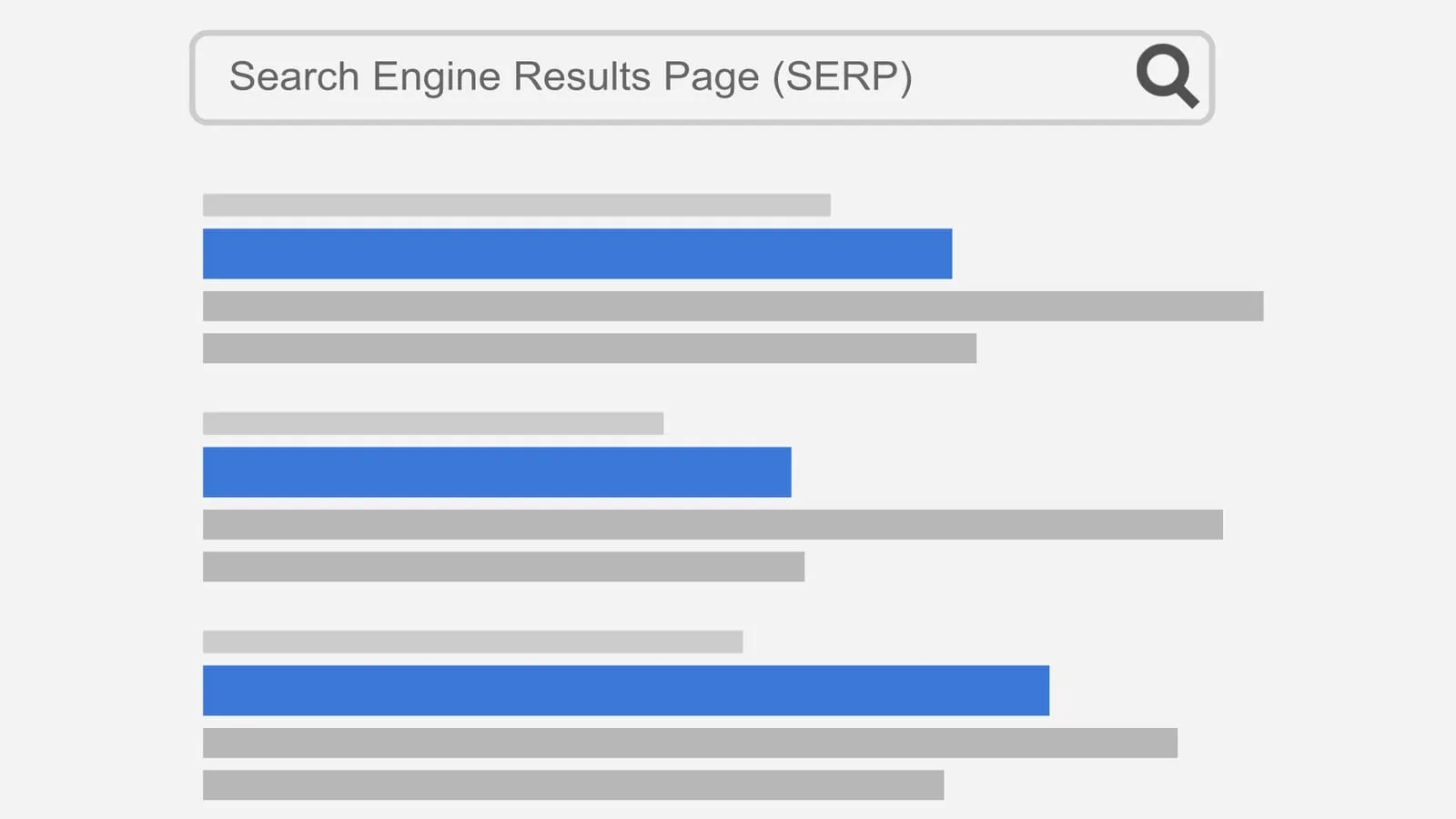
When someone looks you up on Google, the first thing they read from your site is two lines: the blue title and the description below it. That’s what they use to decide whether to click on your page or the one next to it. And on many small business sites, those texts say “Home” or repeat the company name on every page.
Fixing it takes a little while and you don’t need to code: almost every platform has a field for it. These are the steps, along with what Google’s documentation says.
1. Every page needs its own title
Google asks for every page to have a descriptive, concise title, and advises against vague ones like “Home” or “Profile”. It also asks you to avoid repeated text: if all your pages are called the same, Google doesn’t know which one to show for each search.
An example from a locksmith:
- Before: Home | Lopez Locksmiths
- After: 24-hour locksmith in Rosario | Lopez Locksmiths
2. Put what matters first
Google doesn’t set a character limit: it says the title “is truncated in Google Search results as needed, typically to fit the device width”. So it’s best to start with what the person is looking for (the service, the product, the area) and leave the brand name for the end.
On your home page you can say a bit more about your business. On other pages, Google suggests putting the brand only at the start or the end, separated by a hyphen, a colon or a pipe.
As a practical reference, a title of 50 to 60 characters usually shows in full on a computer. It’s not a Google rule, just a starting point.
3. Don’t stuff the title with keywords
“Locksmith Rosario, locksmiths Rosario, cheap locksmiths in Rosario” doesn’t help: Google says repeating words makes the result look like spam. A natural sentence, using the words your customers use, works better.
4. Make the title match what’s on the page
Google doesn’t always use your title as is. To build it, it also looks at the page’s main heading (the h1), other large text and even the links pointing to the page. Among the reasons it replaces titles, it lists empty or half-empty titles, outdated dates, titles that don’t match the content and pages without a clear main heading.
If the title says “Plumbing in Funes” and the page heading says “Welcome”, Google will probably pick something else. Ideally, both say the same thing, in different words if you like.
5. Write a description that persuades
The meta description doesn’t affect your ranking, but it does affect the click. According to Google, it should be a short, relevant summary of the page, different on each one. Concrete details help, such as the price, the area or opening hours.
- Before: Welcome to our website. We are a company with years of experience.
- After: Locksmith in Rosario and Funes, 24 hours a day. Lockouts, lock changes and key cutting. We get there in under an hour.
There’s no maximum length either, but it also gets cut to fit the screen width. Around 150 to 160 characters usually fits well.
6. Accept that Google may change it
Google builds the description “primarily from the page content itself” and uses your meta description only when it thinks it describes the page better. It may also show different text depending on what the person searched for.
That’s not a bad thing: if your page text is clear, the snippet Google picks will be too. That’s why your first paragraphs should explain what you do, where and for whom.
7. Check how it looks before publishing
With our Google preview tool you can type the title and description and see how they’d look in the results, with a warning if they’re too long. It also gives you the code ready to copy.
If you change the texts, be patient: Google says it can take anywhere from a few days to a few weeks to notice the changes.
What goes next to the title
Above the title, Google shows your site name and its icon (the favicon). It takes the name mainly from the WebSite structured data on your home page. The icon must be square, and Google recommends making it larger than 48 × 48 pixels.
They’re small details that build trust. If you want us to look at everything together, the free SEO check is a good first step, and in SEO and maintenance we explain how we work on it.