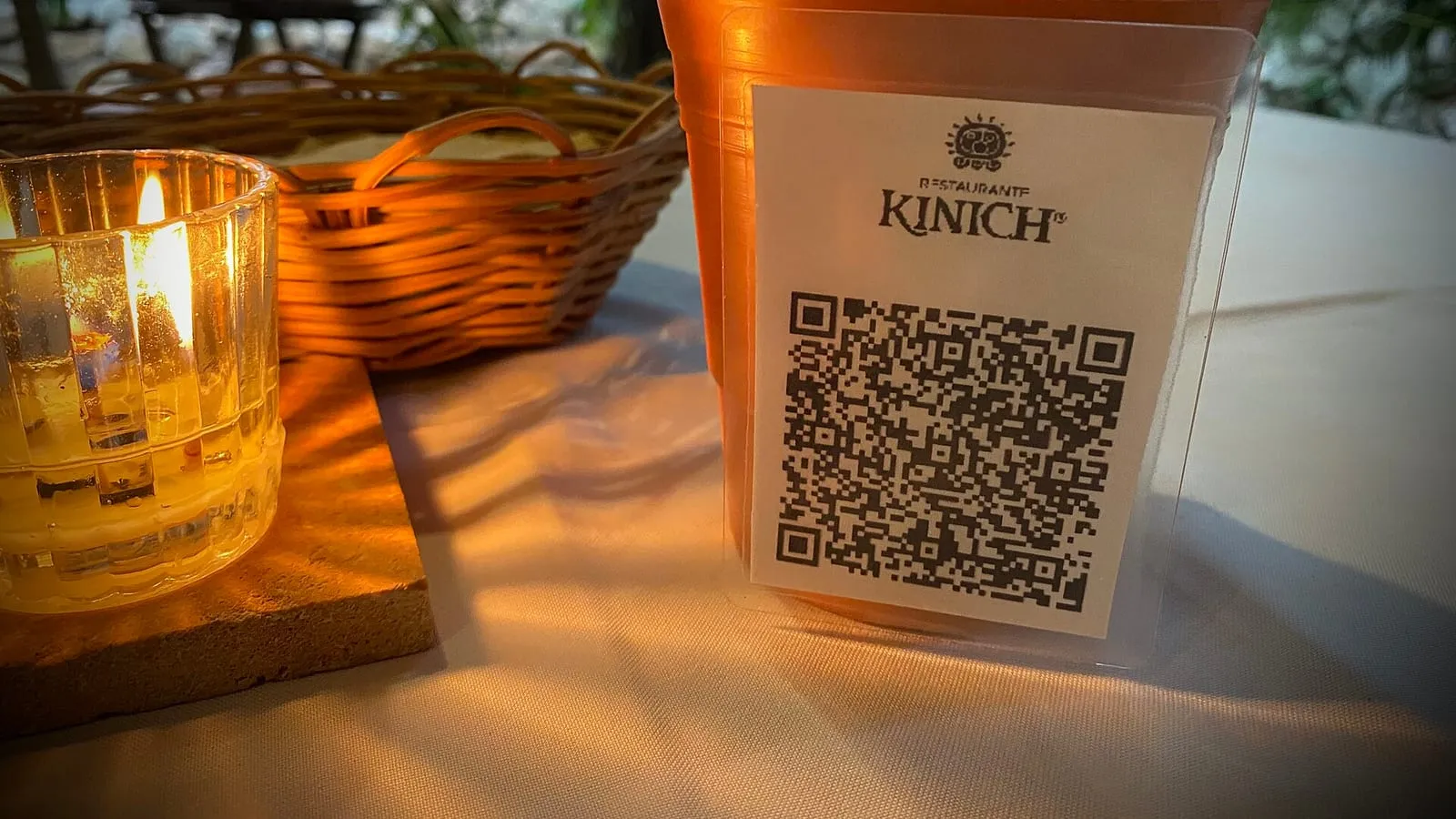
QR menus are here to stay in bars and restaurants: they’re cheap, they can be updated without reprinting and they save the waiting staff work. But we all know the other side: the code that won’t scan in dim light, the 12 MB PDF that takes forever, or the photo of the printed menu you have to pinch to zoom.
None of those problems are the QR code’s fault. They come from how it was set up. These are the points worth checking.
1. Point the QR code to a link that won’t change
A QR code stores an address. If tomorrow you switch services or upload a new PDF with a different name, the code printed on every table stops working.
That’s why a fixed address is best, for example yourplace.com/menu, where you can change the content without changing the link. And watch out for “free” QR generators that redirect through their own service: if that service expires or starts charging, your QR codes stop working. The one from our tool points straight to your link, so it never expires.
2. A web page beats a PDF
A PDF made for printing forces people to zoom and scroll sideways to read. A web page designed for phones, on the other hand, can be read with a thumb: categories at the top, large text, aligned prices and lightweight photos.
If you still prefer a PDF, make it portrait, in a single column with large text, and compress the images before exporting it.
3. Make it load fast on mobile data
Many people will open the menu on mobile data, not the venue’s wifi. Every second of waiting shows when people are hungry. Test it on your phone with wifi turned off: if it’s slow, start by shrinking the photos with the image compressor. If your menu is on a web page, the speed test tells you what’s slowing it down.
4. Mind the contrast and the margin
A QR code can be read because there’s a clear difference between the dark squares and the light background. Designs with light codes on dark backgrounds, or similar colors, fail on many phones.
The code also needs a clear margin around it. Denso Wave, the company that created the QR code, specifies a margin four modules wide (the small squares that make it up) on every side, with nothing printed. If you box it in with a tight frame or put text over it, it reads worse.
Our menu QR code generator checks contrast for you: if the color you choose doesn’t contrast enough, it draws the code on a white box, and if it still won’t read well, it won’t let you download it.
5. Don’t put a huge logo on top
QR codes have error correction: even if part of the code is covered or dirty, it can still be read. Denso Wave says the most commonly used level is M, which can recover about 15% of the data, and that a higher level is better where the code may get dirty. A big logo in the center eats into that margin, and if the table also has a sauce stain, the code stops scanning.
6. Print it at a good size and in the right spot
There’s no single size: it depends on the distance it’s scanned from. A QR code on a table can be smaller than one on the door or in the window. What matters is that people don’t have to stand up or lean in too close.
Put it where people see it as soon as they sit down, not just tucked in a corner of the table. A short line next to it helps: “Scan to see the menu”.
7. Test it at your venue before printing a hundred
Print a single card and scan it at the venue, under the table lighting, with three or four different phones, including an older one. If it works in those conditions, only then print the rest.
And don’t forget a paper menu
Some people have no battery, no data or simply prefer to read on paper. Keeping two or three printed menus for anyone who asks is a nice touch, and it gets you out of trouble if the internet goes down.
With our generator you download a card with the QR code and your venue’s name, ready to print, and you can also make a wifi QR code for your venue. If you want an online menu that reads well and is easy to update, see what we do for restaurants, or read how to reduce delivery app commissions.