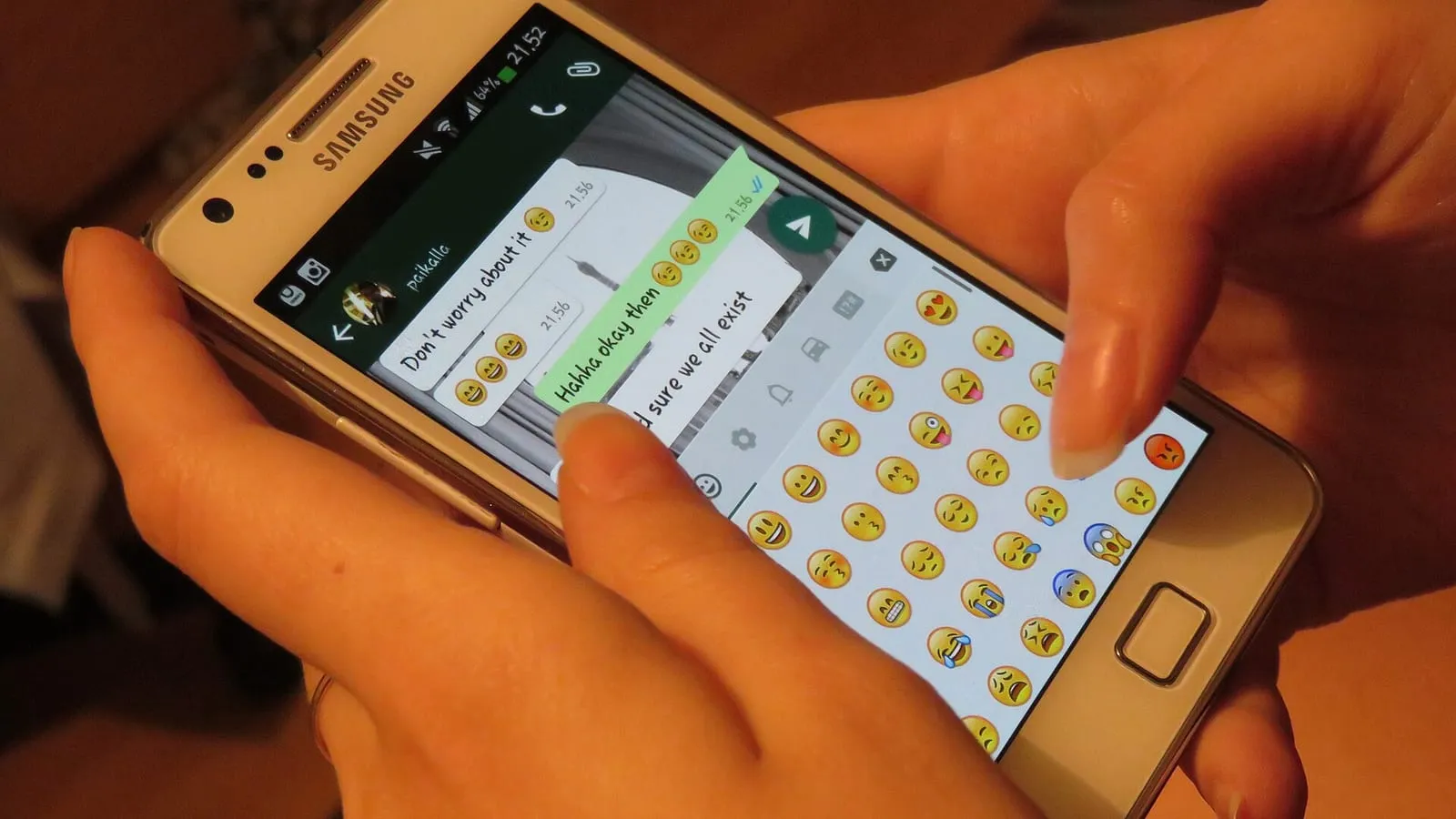
Every step someone has to take to message you is a chance for them not to: copying your number, saving it, finding it in WhatsApp, figuring out what to write. A WhatsApp link skips all of that: one tap opens a chat with you, with the message already written.
It’s free, WhatsApp provides it, and it takes a minute to set up. These are the steps.
1. Understand the format
WhatsApp calls it click to chat. The link looks like this:
https://wa.me/NUMBER
The number goes in full, in international format, with no zeros, parentheses, spaces or dashes. WhatsApp’s example of what not to do is https://wa.me/+001-(XXX)XXXXXXX.
2. Write an Argentine number correctly
This is the part that confuses people most. For an Argentine mobile number:
- 54: Argentina’s country code.
- 9: added to mobile numbers in international format.
- The area code without the 0: 341 for Rosario, 11 for Buenos Aires, 343 for Paraná.
- The number without the 15.
For example, 0341 15 555-1234 becomes https://wa.me/5493415551234. Before sharing it, open it from another phone and make sure it opens your chat.
3. Add a ready-made message
With ?text= at the end, the chat opens with text already typed, so the person only has to hit send:
https://wa.me/5493415551234?text=Hi%2C%20I%27d%20like%20a%20quote
The text has to be URL-encoded: spaces become %20, commas %2C, and the same goes for accents and other symbols. It’s easy to get wrong by hand, so we built a WhatsApp link generator: paste your number and message, and it gives you the link and a printable QR code.
4. Use a different message in each place
The pre-filled message doesn’t just save your customer time: it also tells you where they came from. If the one on Instagram says “Hi, I saw your Instagram profile…” and the one on your site says “Hi, I found you on your website…”, by the end of the month you’ll know which channel brings the most inquiries, without any analytics tools.
5. Put it where people already look for you
Seven places where a WhatsApp link or QR code tends to work:
- Your Instagram bio and contact buttons.
- Your website: a visible button on every page, especially on mobile.
- Your PDF quotes and invoices, next to your contact details.
- Your email signature.
- Your counter and shop window: a printed QR code with text like “Scan and order on WhatsApp”.
- Flyers, business cards and packaging.
- Posts and statuses: when you show a product, the link with “Hi, I’d like the…” already written.
6. No number, so people can recommend you
If you leave out the number, https://wa.me/?text=... opens WhatsApp so the person can choose who to send the message to. It works for a “Share with a friend” button with text like “Check out this deal from…” and a link to your site.
7. Be ready to reply
A link that works brings more messages, and a message that takes a day to answer is a sale that goes cold. If you use WhatsApp Business, set up quick replies for the most common questions. We explain how in how to use WhatsApp Business to sell more.
To wrap up
A well-built link is one of the cheapest improvements you can make today. If you want your website to turn more visits into inquiries, our websites page explains how we approach it.